


Product updates

What's new in MediaFind

A plain-language tour of the recent work that matters to users: smarter on-device AI, AI-agent access, developer APIs, cleaner editor handoff, richer people views, and broader platform support.

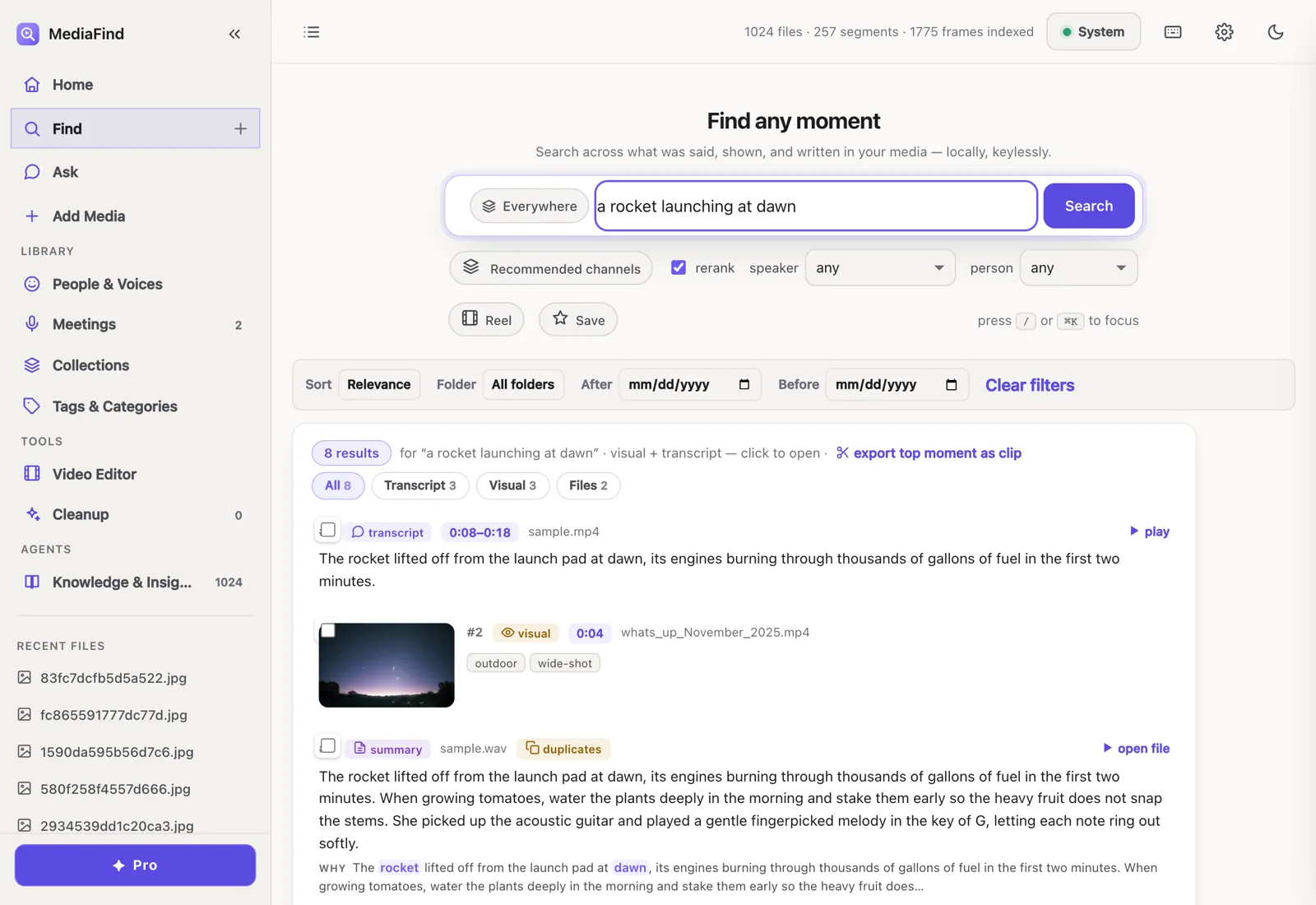
MediaFind search interface showing ranked transcript, visual, and file results.
Latest focus: one private engine, more ways in The desktop app, CLI, MCP server, Python SDK, and HTTP API now reach the same local media library.

Recent releases, translated

The changelog remains the source of truth. This page turns the busy release notes into a scannable product story.

0.1.40

  • Object-search tunables now live in one configuration home, reducing drift between settings and runtime behavior.
  • The benchmark suite now covers the previously unmeasured search channels so release quality signals are less narrow.
  • The release refreshes the signed, notarized macOS DMG plus native Windows and Linux beta installers from the current main head.

0.1.39

  • The MCP doctor now ships inside the package so Claude Desktop setup can validate the installed app, PATH, and stdio behavior.
  • The Claude Desktop bundle was rebuilt with the current manifest version and fixed PATH-dependent launcher configuration.
  • The release refreshes the signed, notarized macOS DMG plus native Windows and Linux beta installers from the release head.

0.1.38

  • Hidden development builds can unlock Pro locally with guarded dev-mode flags while production keeps ignoring local-only unlocks.
  • Exact MMEB/MTEB and supervised Qwen campaign tooling gained stronger disk, grouping, validation, and provenance guards.
  • The release refreshes the signed macOS DMG plus native Windows and Linux beta installers from the current main release head.

0.1.37

  • Desktop activation now uses the shared licensing service expected by the production backend.
  • The release refreshes the signed macOS DMG plus native Windows and Linux beta installers from the current main release head.

0.1.36

  • Public-video training tooling now carries source receipts, media materialization, feature builds, checkpoints, and readiness ledgers for the Qwen/MMEB/MTEB contender campaign.
  • Evaluation runs gained disk and headroom preflights, bounded visual feature caching, and cache-local media grouping.
  • Temporal action search is restored and OCR sidecar card assignment is corrected in result rendering.
  • The release refreshes the signed macOS DMG plus native Windows and Linux beta installers from the current release head.

0.1.35

  • ShadowIndex can surface inferred missing media from corroborated evidence already inside your library.
  • Exact MMEB and MTEB video-evaluation runners make retrieval benchmarking more reproducible.
  • A LAN access toggle lets you deliberately search from another device on the same network.
  • The July bug-bash fixes, release-gate hardening, and storefront launch updates ship with refreshed macOS, Windows, and Linux packages.

0.1.34

  • All macOS, Windows, and Linux packages are refreshed from the unchanged v0.1.33 source head.
  • Python, desktop, release, and storefront metadata now identify v0.1.34 consistently.
  • Public download links, GitHub Latest, and the stable update channel advance together.

0.1.33

  • Confidence-aware fusion ranks mixed transcript, visual, OCR, and metadata evidence with calibrated local weights.
  • MF-Action-T recognizes temporal actions from cached CLIP embeddings without uploading or re-encoding media.
  • An auditable Perception Test benchmark pins attribution, metric protocols, evaluator provenance, and official-union IoU behavior.
  • Create-room exports use saved destinations more reliably when native save dialogs are unavailable.
  • Premiere timeline timecode now carries fractional seconds into the next minute correctly.

0.1.32

  • Interview Brief, Research Quote Pack, and Rough Cut workflows turn local media signals into cited, reviewable deliverables.
  • Natural-language event queries, speaker-to-face suggestions, and an opt-in local visual verifier add cross-modal research tools without enabling cloud inference.
  • MediaFind Pro now supports monthly and annual Stripe subscriptions with self-service billing and controlled device transfers.
  • Saved library paths display correctly across Windows, Linux, and macOS.
  • Note edits, imports, and concurrent exports preserve user data more reliably.

0.1.31

  • Moment DNA can reattach annotations after media is transcoded, reframed, or otherwise transformed.
  • A file-page review panel makes recovered annotation matches visible and actionable.
  • Correction Memory keeps approved search corrections local and surfaces recovered results in future searches.
  • Coded notes, calendar, and timeline exports can fall back to a folder destination when the native save dialog is unavailable.

0.1.30

  • Calibrated on-device classifiers improve recognition across eight broad scene types and 35 specific places.
  • The new classifiers reuse stored visual embeddings, so richer scene search does not require re-encoding media.
  • Hybrid classification preserves coverage for place labels outside the trained vocabulary.
  • Whole-word scene matching prevents fragments such as "ice" and "officer" from activating the Office facet.

0.1.29

  • Local-first library sync can keep MediaFind state aligned through a user-selected shared folder.
  • Production search now understands camera motion, shot type, angle, HDR, B-roll, cuts, montage structure, and alternate takes.
  • Folder indexing is faster and renamed or moved files can heal without unnecessary re-indexing.
  • Premiere Pro can search MediaFind and add results to the active timeline from an in-editor panel.

0.1.28

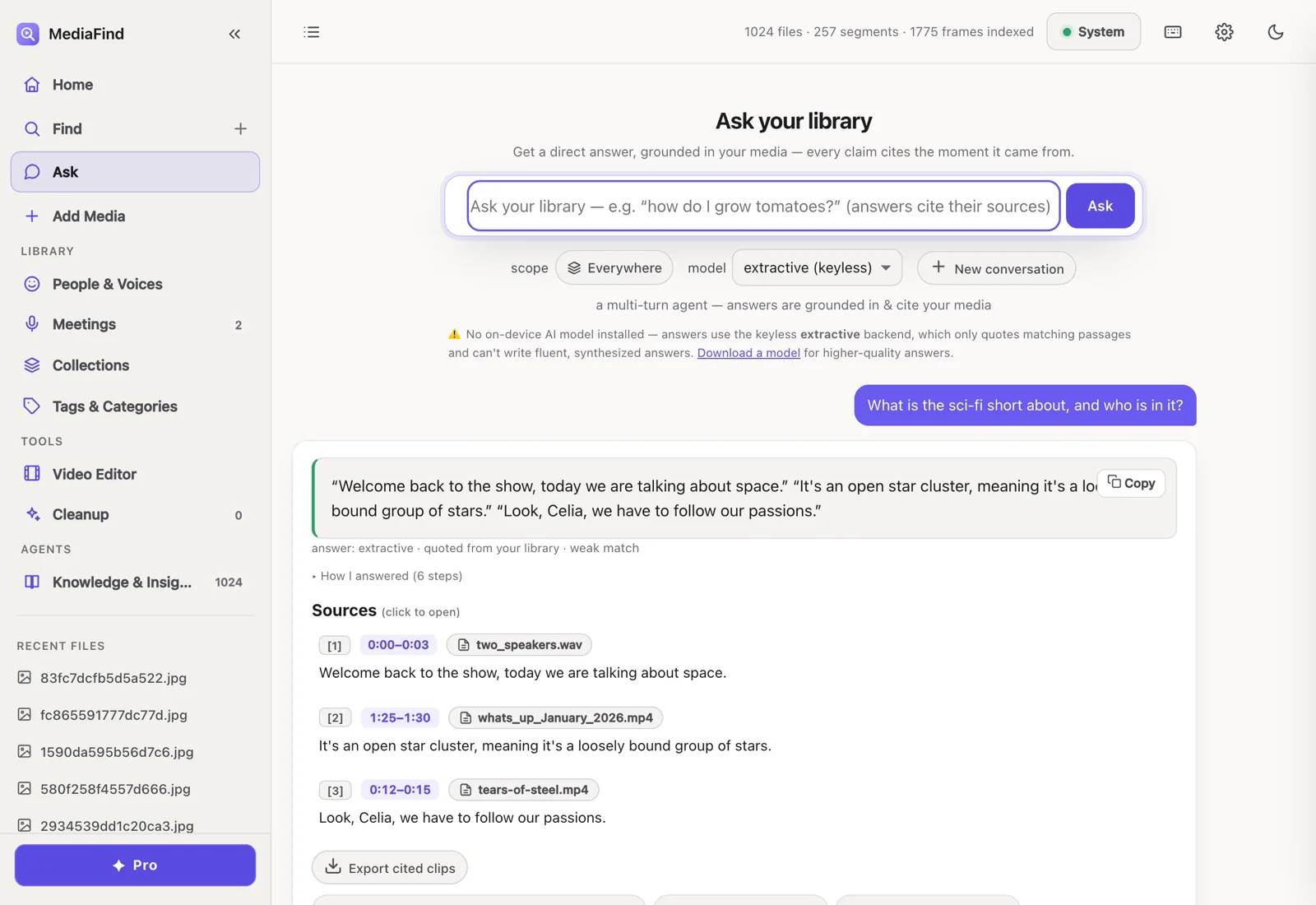
  • Ask can synthesize answers across files while keeping follow-ups and per-file source navigation.
  • Clean, timestamped transcripts and cross-file quote tables are now available from the export surfaces.
  • Cleanup request lists and path lengths are bounded for safer large-library operations.
  • Signed macOS, Windows, and Linux installers are published together from the v0.1.28 release head.

0.1.27

  • Export review is clearer, with redaction status and per-speaker transcripts surfaced in the web UI.
  • Obsidian export joins the hardened export, reel, and clip-pack paths.
  • The storefront download counter now covers MediaFind and sibling apps, with cached asset resolution fixed across Cloudflare colos.
  • Signed macOS, Windows, and Linux installers are published together from the v0.1.27 release head.

0.1.26

  • Site-wide campaign attribution can now preserve UTM tags through to Polar checkout links without adding a backend.
  • Plausible support is wired into the shared site config and remains disabled until a domain is configured.
  • Search, licensing, cleanup, create/export rendering, indexing, provenance, and onboarding received another bug-bash hardening pass.
  • Signed macOS, Windows, and Linux installers are published together from the v0.1.26 release head.

0.1.25

  • Insights adds Trending Topics plus Sound & Music rails, and Browse now opens the right month-based media set.
  • User notes are searchable by default, and more folders/files can be added while indexing continues.
  • Search, speaker filters, face refresh, graph interactions, meeting follow-ups, tag chips, and chapter-row layout received release hardening.
  • Signed macOS, Windows, and Linux installers are published together from the v0.1.25 release head.

0.1.24

  • Imported media stays untrusted until files are relinked, closing a high-impact provenance gap.
  • Search, stale frame indexes, filtergraph audio ordering, captions, GIF trimming, redaction, object detection, and saved-search refresh all received bug-bash fixes.
  • A new Descript-alternative page helps compare private local search with cloud editor workflows.
  • Signed macOS, Windows, and Linux installers are published together from the v0.1.24 release head.

0.1.23

  • Task Assistant can turn a goal into a draft recipe, then keep library-changing actions behind explicit approval.
  • New gated actions cover render-reel handoff, batch tagging, and duplicate-review workflows.
  • Bug-bash rounds tighten share privacy, symlink-safe file handling, clip-pack trims, Ask grounding, ANN swaps, cancellation, facets, face data, and source filters.
  • The site navigation and developer education now connect the Apps, Developers, SDK, and MCP surfaces more consistently.
  • Signed macOS, Windows, and Linux installers are published together from the v0.1.23 release head.

0.1.22

  • AI agents can connect over MCP to search, ask questions, read transcripts, and check local library status.
  • Developers get a typed Python SDK and a stable /api/v1 HTTP API over the same on-device engine.
  • The app now includes in-app agent setup, public Developers and AI-agent pages, and a branded MCP bundle/icon.
  • The site adds PhotoFind plus new comparison and search-intent guide pages for people evaluating local media search.
  • Signed macOS, Windows, and Linux installers are published together from the v0.1.22 release head.
  • Fresh packaged-app startup checks avoid loading local AI models just to report an empty or idle library.

0.1.20

  • Remaining client-reachable ffmpeg and ffprobe work is bounded to avoid UI stalls.
  • Native media work is serialized more defensively during indexing and playback.
  • The app and native installer metadata identify this release as 0.1.20.

0.1.17

  • Retired MediaCreate, MediaGen, and MediaTrends pages were removed from the storefront.
  • The subscription pricing is reflected across site and docs.
  • The purchase path stays visible during the free trial flow.

0.1.16

  • Long-running create/render work is less likely to stall the app.
  • Desktop health checks and stale database recovery are more robust.
  • The What's New callout now lives in the main navigation CTA area.

0.1.15

  • Packaged builds now bundle the lightweight faster-whisper Base model.
  • New users can transcribe local media offline on first run without waiting for an ASR download.
  • Small and larger speech models remain available as quality upgrades.

0.1.14

  • Search stays responsive while a library indexes — heavy work (transcription, embeddings, frames, faces) now runs entirely in the background job queue.
  • Exact on-screen-text (OCR) matches are treated as confident hits in search results.
  • Smarter first-run model-picker defaults.
  • Stabilization guardrails keep background work and UI state from getting stuck, plus a round of release bug-bash hardening.

0.1.13

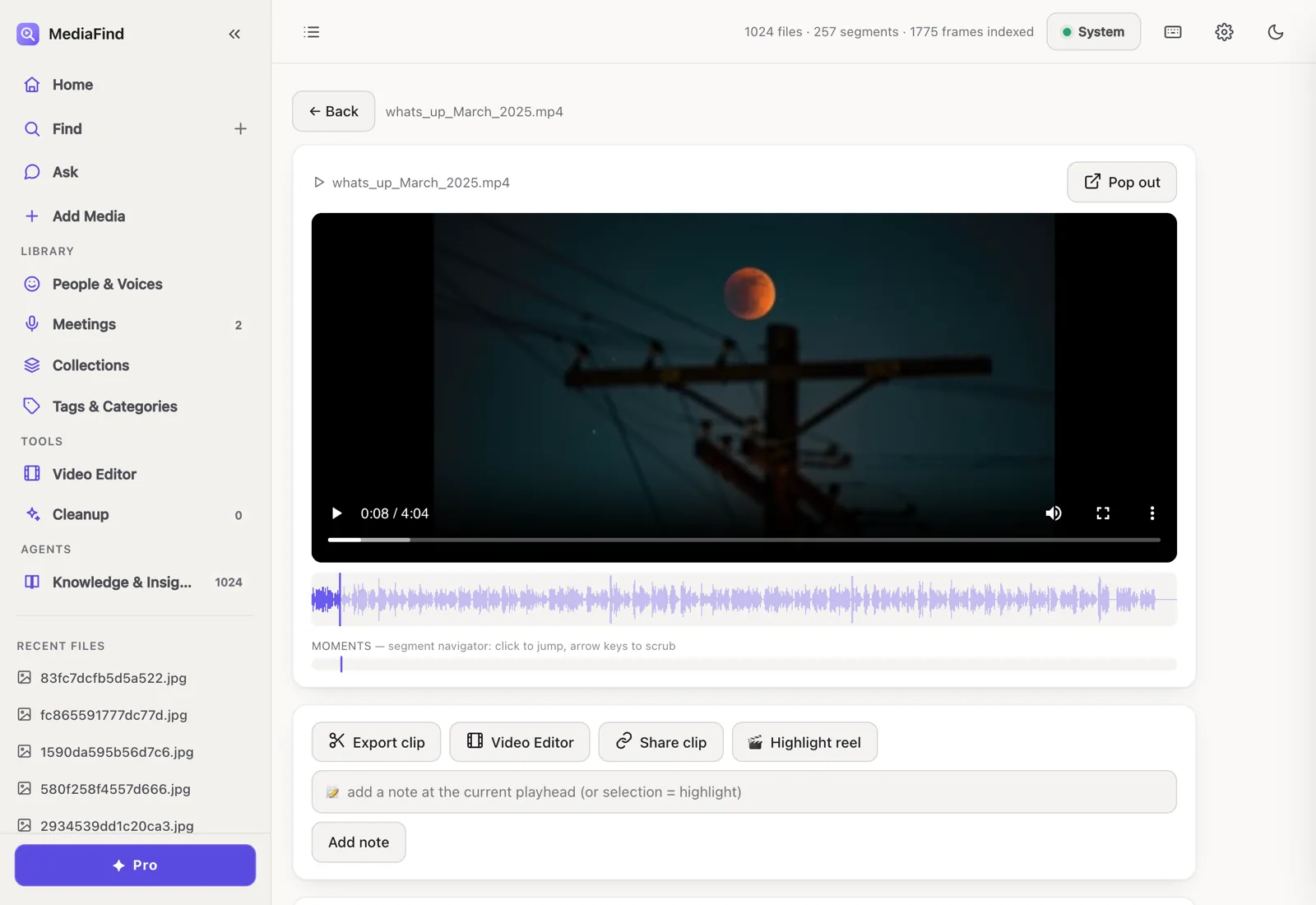
  • Re-transcribe a single file on demand, right from the play page.
  • The ASR model's download status now shows up front, before you retranscribe.
  • whisper-cpp no longer produces blank transcripts in the packaged app (audio is decoded in-process).
  • Recordings are never stranded with an empty transcript when the speech model isn't ready at first index.
  • Search stays responsive — no freezes or cold-load timeouts — while indexing runs.
  • A sweep of stuck job and UI states cleaned up, including the Activity dock and model-change settings.

0.1.12

  • Keyless on-device AI by default: Ask and summaries run on a bundled Mini model with no cloud, account, or download — and Small is a one-tap quality upgrade.
  • A unified Activity dock gathers all indexing, downloads, model fetches, and background jobs into one always-present place.
  • MediaCreate: an on-device video studio fed straight from search results, with FCPXML/EDL/OTIO/AAF interchange export and OTIO re-import.
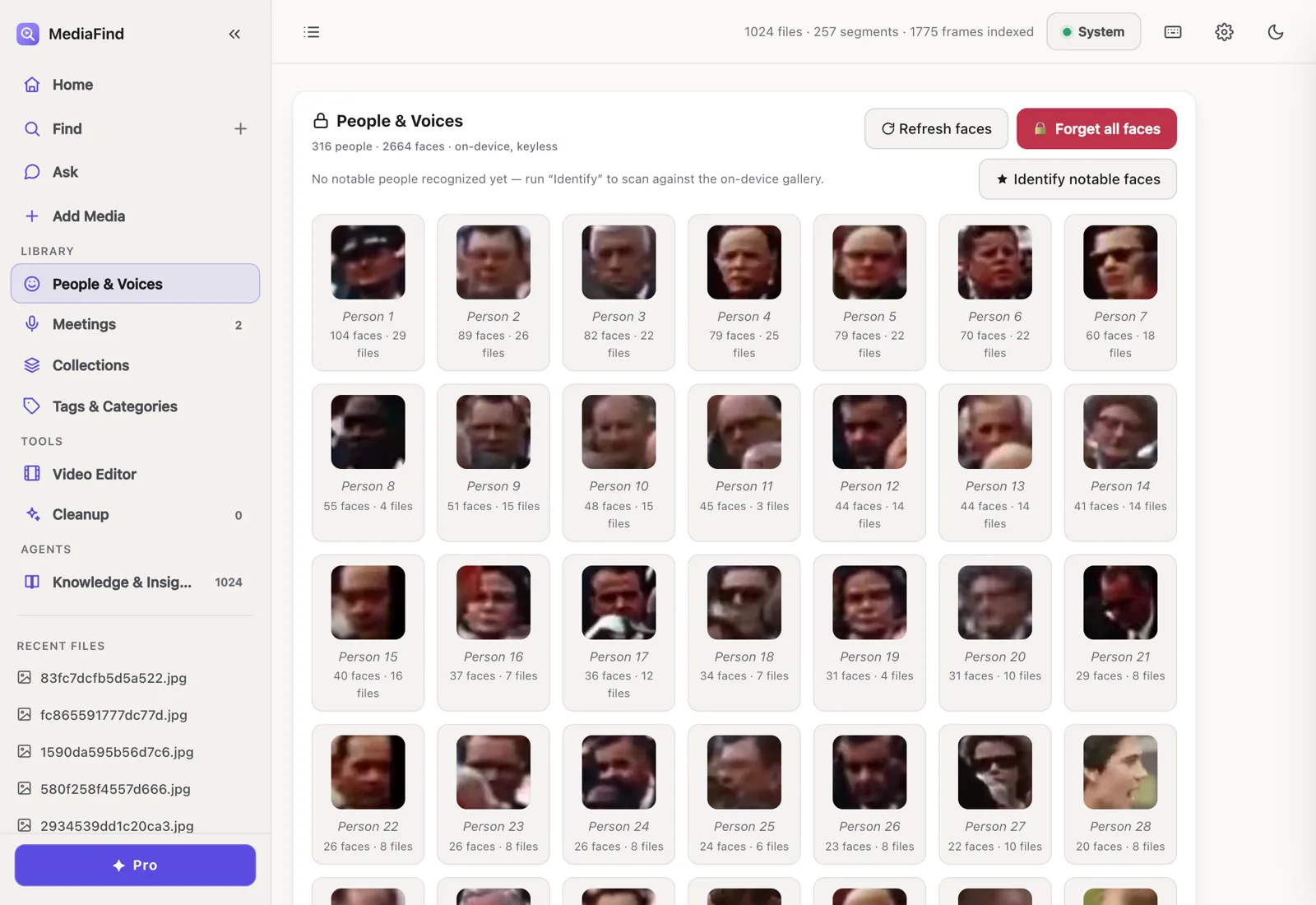
  • Celebrity recognition now spans ~3,700 public figures with more precise name matches.
  • Indexing reuses analysis sidecars to restore transcripts, summaries, and chapters before recomputing.
  • Cleaner AI summaries (non-speech markers stripped), a fixed download-start freeze, and entitlement-aware face-indexing defaults.

0.1.11

  • Meetings, redesigned: batch-process recordings, roll up cross-meeting follow-ups, toggle Source vs. transcript, and Copy-as-Markdown — with curated action items and decisions.
  • Live indexing progress: one expandable job card with clear stages while you add videos.
  • Faces are selected by default when adding media (still Pro-gated).
  • Category chips now open in Home for a more precise browse.
  • A sweeping accessibility pass across the whole app — labels, keyboard focus, and screen-reader announcements.
  • Steadier search under load, a faster launch, and offline face detection in the packaged app.

Use the newest build on your own library

MediaFind runs locally, starts with a free Pro trial, and does not require an account, cloud upload, or API key.